Create a Channel
Channels are the core of using Nstproxy. All proxy requests, usage data, and alerts are tracked at the Channel level.
Steps
- Go to the Channel list
- Click Create Channel
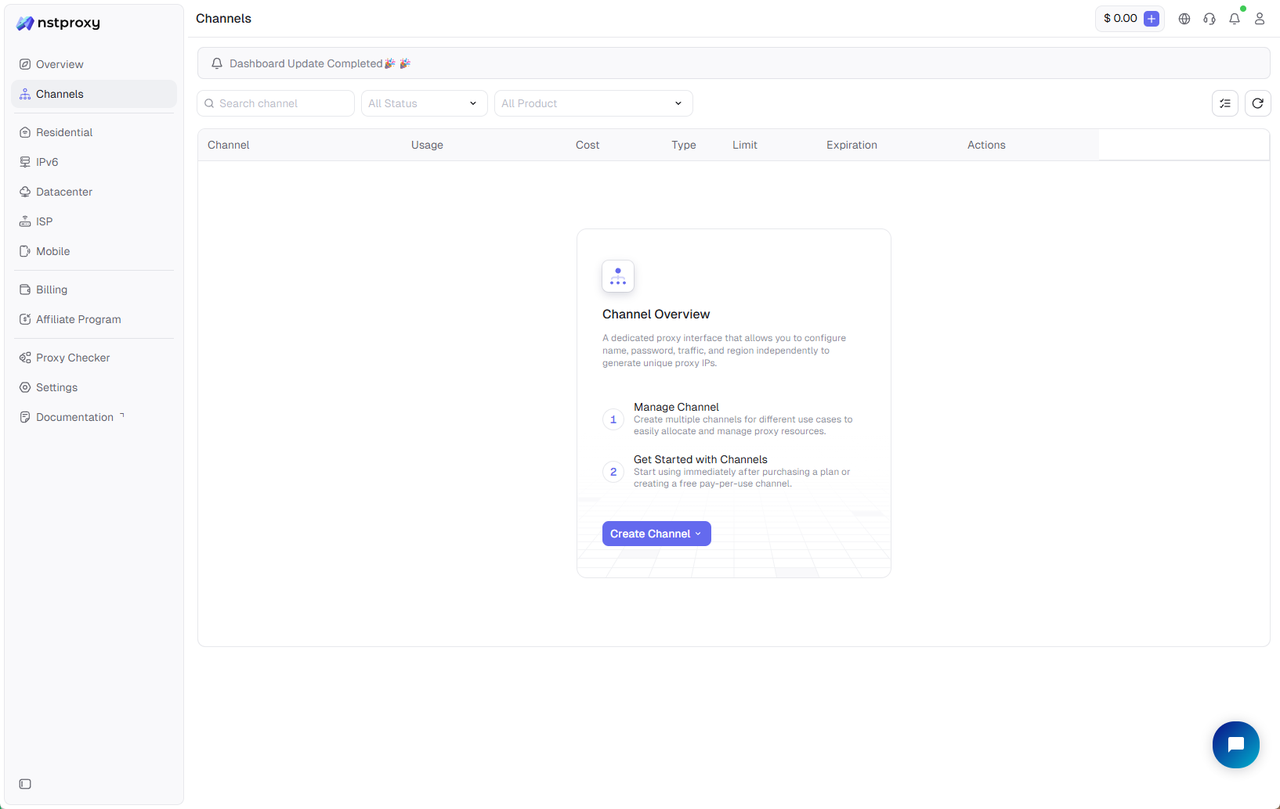
- Select proxy type and product type (Package or Pay Per Use)
- Save the configuration to complete Channel creation
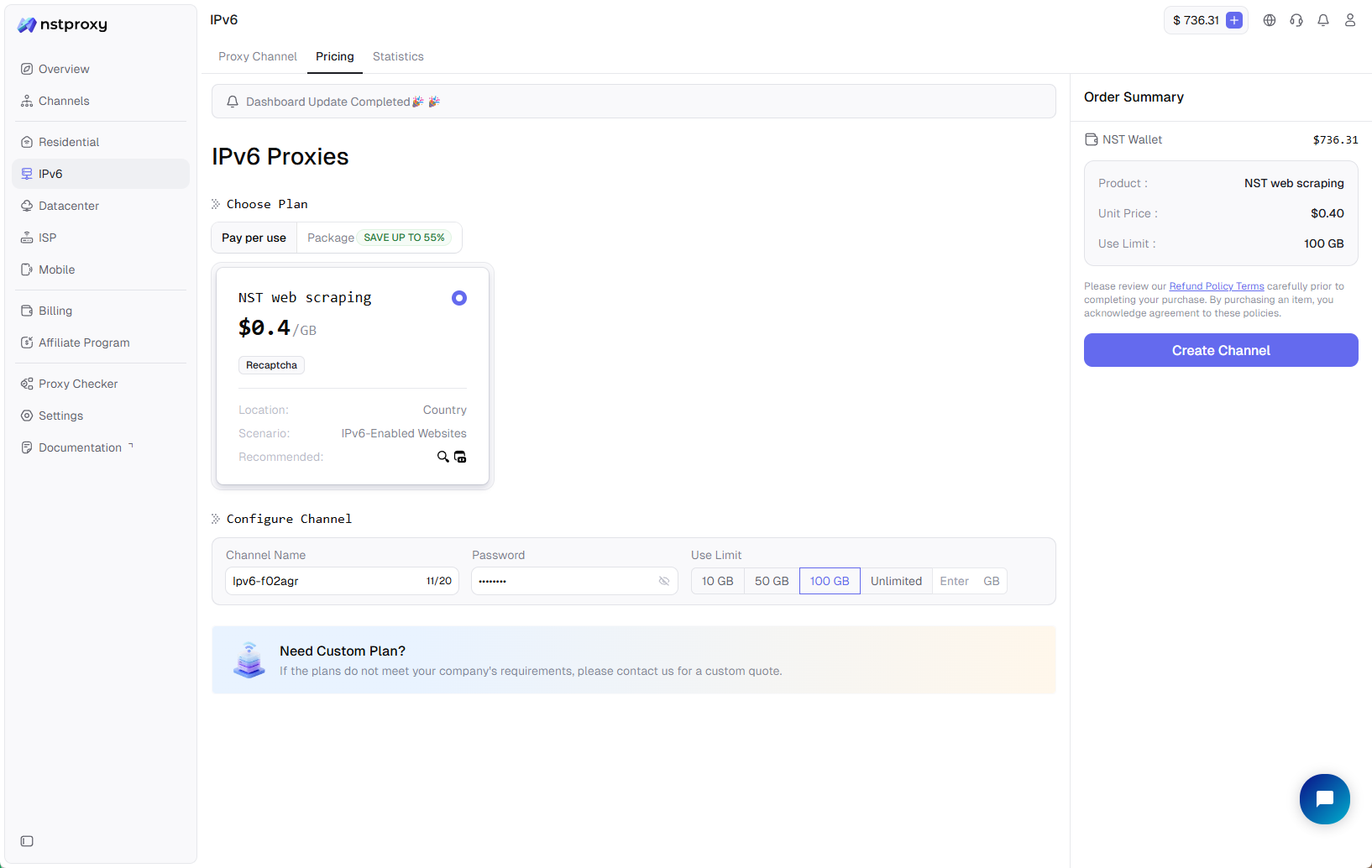
After creation, the Channel can be used to bind Packages or Pay Per Use, generate proxies, modify settings, and view usage data.